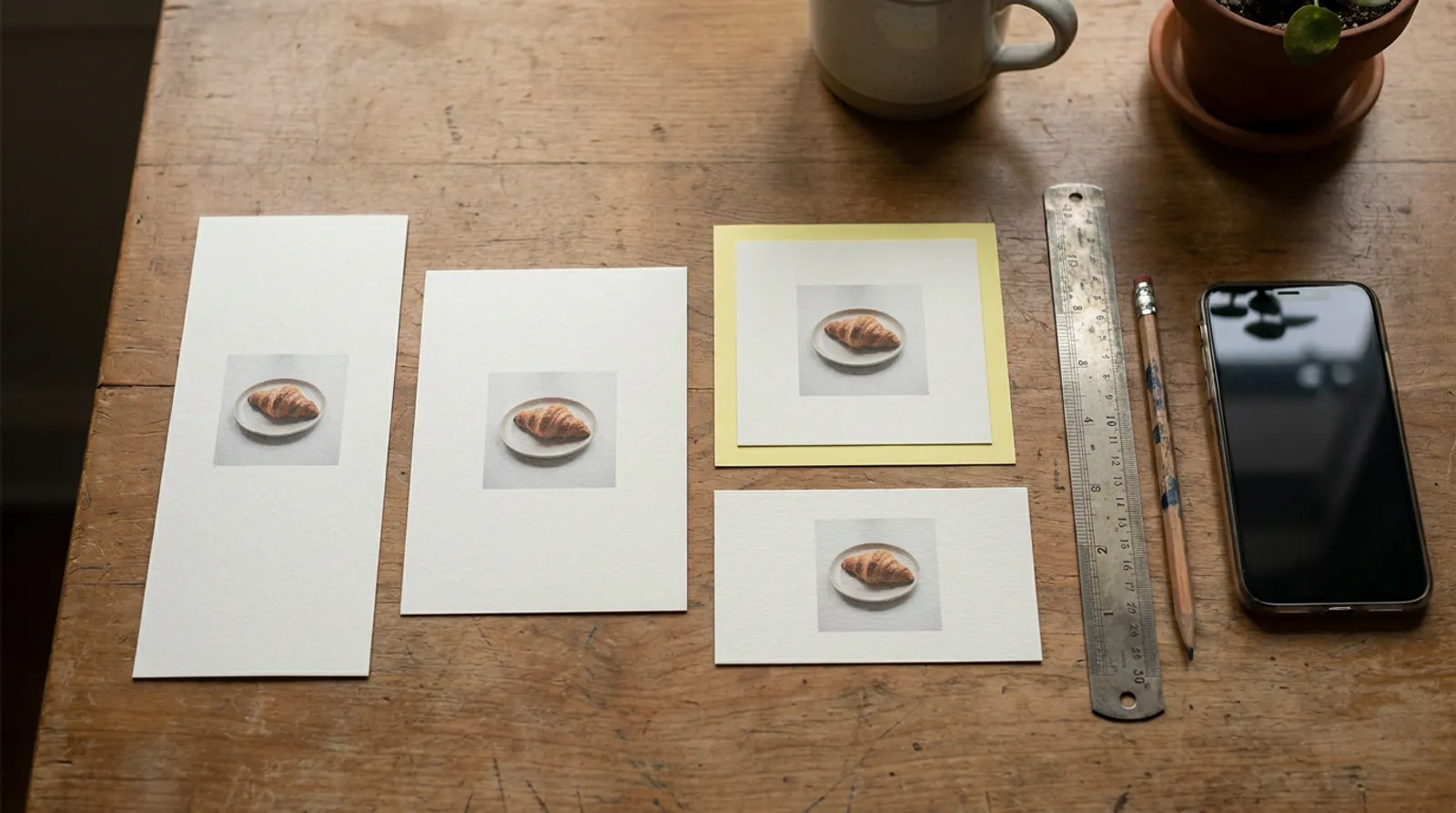
Most of the work is done once you have one ad in three shapes: tall for full-screen placements, a little taller than square for feeds, and wide or square for Google and LinkedIn. Every platform below takes at least two of those. All the numbers here come from each platform’s own spec pages, read in November 2026, and where two of their pages disagree we say so.
What do aspect ratio and safe zone mean?
An aspect ratio is the shape of an ad, written as width to height: 1:1 is square, 4:5 is a little taller than wide, and 9:16 fills a phone held upright. The pixel size (1440 × 1800, say) is how sharp it is at that shape.
A safe zone is the part of a full-screen ad that the app’s own buttons, captions and profile name won’t cover. Anything outside it can sit under a like button or a call-to-action.
Shape matters because it decides how much of the screen you get. At the same width, a 4:5 ad is 25% taller than a square one, and a 9:16 ad is about 1.8 times as tall.
Square, 4:5 and 9:16 match Google’s recommended HD video sizes. The two wide heights are worked out from their ratios. Source: Google Ads Help, Demand Gen video specs, 2026
What sizes does Meta want for Facebook and Instagram?
As of November 2026, Meta’s Ads Guide recommends a 4:5 image at 1440 × 1800 pixels for the Facebook feed, with primary text of 50 to 150 characters and a 27-character headline. The same 4:5 at 1440 × 1800 is listed for Facebook feed video, the Instagram feed image and Instagram Explore home.
Stories and Reels are 9:16. Meta’s pages for Instagram Stories video, Instagram Stories images, Instagram Reels and Facebook Stories all recommend 1440 × 2560.
| Placement | Ratio | Recommended size | Longest video | Max file | Text limits |
|---|---|---|---|---|---|
| Facebook feed, image | 4:5 | 1440 × 1800 | n/a | 30 MB | Primary 50–150, headline 27 |
| Facebook feed, video | 4:5 | 1440 × 1800 | 241 minutes | 4 GB | Primary 50–150, headline 27 |
| Facebook Stories, video | 9:16 | 1440 × 2560 | 3 minutes | 4 GB | Primary 125, headline 40 |
| Instagram feed, image | 4:5 | 1440 × 1800 | n/a | 30 MB | Primary 125, headline 40 |
| Instagram feed, video | 9:16 | 1080 × 1920 | 60 minutes | 4 GB | Primary 125 |
| Instagram Explore home, image | 4:5 | 1440 × 1800 | n/a | 30 MB | Primary 125, headline 40 |
| Instagram Stories, image | 9:16 | 1440 × 2560 | n/a | 30 MB | Primary 125 |
| Instagram Stories, video | 9:16 | 1440 × 2560 | 60 minutes | 4 GB | Primary 125 |
| Instagram Reels, video | 9:16 | 1440 × 2560 | 15 minutes | 4 GB | Primary 44 |
Minimums are low, so size is rarely what gets an ad rejected: 600 pixels wide for a Facebook feed image, 500 for an Instagram feed image, 250 for Stories video. Instagram Reels asks for 250 pixels wide under 30 seconds and 500 at 30 seconds or longer. Video should be H.264 with AAC stereo sound at 128 kbps or more, and Meta lists captions and sound as optional but recommended.
Meta also lists a Facebook Reels placement with its own page. We couldn’t load it while writing this, so it isn’t in the table; it sits with the other 9:16 placements in the guide.
Where Meta’s own pages don’t match
- Instagram feed, picture versus video. The image page recommends 4:5. The video page recommends 9:16 at 1080 × 1920, a smaller size than the 1440 × 2560 the Reels and Stories pages ask for in the same shape.
- Tolerance. A Facebook feed image can be 3% off its ratio. Instagram feed, Explore and Stories ads, and Facebook Stories, allow only 1%.
- Headlines. 27 characters in the Facebook feed, 40 on Instagram feed, Explore and Facebook Stories. Instagram Reels lists primary text of just 44 characters.
- Shapes allowed in the Instagram feed. The image page gives a minimum of 400 × 500 and a maximum of 191 × 100, so anything from 4:5 down to 1.91:1 runs, including square. The Facebook feed image page mentions only 4:5.
- No 3:4 yet. None of the Meta ad placements we checked lists 3:4. If you’ve seen 3:4 talked about for Instagram posts, as of November 2026 the Ads Guide still tops out at 4:5 for feed ads.
One more trap worth knowing: Meta’s video overview says that with the Awareness objective, or a goal such as maximise reach, the headline, description and button don’t show in the Facebook feed on phones. If your ad relies on its headline, put the words in the picture too.
Where does the app cover a Stories, Reels or TikTok ad?
In Stories and Reels, Meta says to leave “roughly 14% of the top, 35% of the bottom, and 6% on each side” free of text and logos, on its Instagram Stories page. The Reels and Facebook Stories pages give the same three numbers. In pixels, that works out like this (our arithmetic):
| Band to keep clear | Share | At 1080 × 1920 | At 1440 × 2560 |
|---|---|---|---|
| Top | 14% | about 270 px | about 360 px |
| Bottom | 35% | about 670 px | about 900 px |
| Each side | 6% | about 65 px | about 86 px |
| Left for words and logo | about 51% of the height | about 980 px tall | about 1300 px tall |
The bottom band is the big one. That is where the caption, the account name and the button sit, so a price or a phone number placed low in the frame is the first thing to disappear.
TikTok doesn’t give one set of numbers. Its in-feed ad specs, last updated June 2026, say the safe zone depends on the shape (vertical, horizontal or square), how long your caption is, and any add-ons, and point you to downloadable safe-zone files instead. Its TopView specs, updated October 2026, add that the in-feed safe zone is stricter than the opening full-screen one and that the files “may not cover all devices”, so use the preview.
YouTube Shorts has a panel of like, dislike, comment and share buttons down the right side, and in Performance Max a button appears three seconds in, according to Google’s Shorts ads page. Google gives no percentages in its text. For still images in Performance Max, Google’s asset group guide is simpler: put your content in the centre 80% of the picture.
What does TikTok ask for?
TikTok has two kinds of in-feed ad. A Spark ad boosts a post that’s already on a TikTok account. A non-Spark ad is a video you upload only as an ad. Their rules differ.
| TikTok ad | Ratio | Minimum size | Length | File size | Caption |
|---|---|---|---|---|---|
| In-feed, uploaded (non-Spark) | 9:16 recommended; 16:9 and 1:1 accepted | 540 × 960 tall, 960 × 540 wide, 640 × 640 square | Up to 10 minutes | 500 MB or less | White, fixed font, no links, @ or hashtags |
| In-feed, Spark (boosted post) | As posted | As posted | No restrictions | n/a | Taken from the post, up to 4 lines |
| TopView (first ad on opening the app) | 9:16 only | 540 × 960 | 5–60 seconds, 9–15 recommended | 500 MB or less | Up to 100 characters, 4 lines |
Account names show on one line, up to 20 characters (10 in Chinese, Japanese and Korean). The optional profile photo is 98 × 98 pixels, under 50 KB, with the key part inside the centre 66 × 66 so it isn’t cropped.
Two gaps worth knowing. TikTok gives minimum sizes, not a recommended one, so we’d make at least 1080 × 1920, the size Google recommends for Shorts, and one file can serve both. And the in-feed page doesn’t state a caption length; only the TopView page gives the 100-character limit. Bitrates differ too: 516 kbps or more for in-feed, 2,500 kbps or more for TopView.
What does YouTube ask for?
Google’s video ad specs list three shapes for YouTube in-video ads: 16:9 at 1920 × 1080, 9:16 at 1080 × 1920 and 1:1 at 1080 × 1080. Files should be under 256 GB. Google recommends .MPG (MPEG-2 or MPEG-4), accepts MP4, MOV and many others, and doesn’t accept sound-only files such as MP3 or WAV.
| YouTube format | Length | Can people skip? |
|---|---|---|
| Skippable in-stream | No maximum, under 3 minutes recommended | After 5 seconds |
| Non-skippable in-stream | 60 seconds or shorter (another Google page says 15 or less) | No |
| Bumper | 5 to 6 seconds | No |
| In-feed (search results and home) | No maximum | Plays when clicked |
| Shorts | Up to 3 minutes; first 60 seconds play in the Shorts feed | Swipe away any time |
| Masthead (top of the home feed) | No maximum, over 10 seconds recommended; 16:9 | Plays muted, up to 30 seconds on desktop |
The lengths come from Google’s video ad formats page. Its Video campaigns overview says non-skippable ads are “15 seconds or less”, so the two pages disagree. If you want one file that runs everywhere, keep non-skippable ads to 15 seconds.
For Shorts, Google recommends vertical 9:16 and says horizontal videos “serve with blurred top and bottoms”. It suggests under 60 seconds overall and 10 to 30 seconds for ads that want an action, a 40-character headline and a 90-character description. At 50 seconds an overlay appears that lets people watch the rest on the YouTube watch page.
Thumbnails are 1280 × 720. The desktop-only companion banner beside an in-stream ad is 300 × 60 and under 150 KB.
What does Google need for Performance Max, Demand Gen and display ads?
Google’s image ads mostly want a wide picture and a square one. Performance Max and responsive display ads require both 1.91:1 and 1:1. Demand Gen adds 4:5 and 9:16 as options.
| Image shape | Performance Max | Demand Gen | Responsive display |
|---|---|---|---|
| Wide 1.91:1 | 1200 × 628 (min 600 × 314), required | 1200 × 628 (min 600 × 314) | 1200 × 628 (min 600 × 314), required |
| Square 1:1 | 1200 × 1200 (min 300 × 300), required | 1200 × 1200 (min 300 × 300) | 600 × 600 (min 300 × 300), required |
| Vertical 4:5 | 960 × 1200 (min 480 × 600), optional | 960 × 1200 (min 480 × 600), optional | Not listed |
| Tall 9:16 | Not listed | 1080 × 1920 (min 600 × 1067), optional | Not listed |
| Max file size | 5120 KB | 5 MB | Not stated |
| Images per ad | Up to 20 | Up to 20 | 1–15 of each shape |
Words have tighter limits than on social.
| Text | Performance Max | Demand Gen | Responsive display |
|---|---|---|---|
| Headline | 30 characters, at least one 15 or under; 3 to 15 of them | 40 characters, up to 5 | 30 characters, 1 to 5 |
| Long headline | 90 characters, 1 to 5 | 90 characters | 90 characters, 1 |
| Description | 90 characters, 2 to 5 | 90 characters | 90 characters, 1 to 5 |
| Business name | 25 characters | 25 characters | 25 characters |
Video in these campaigns follows YouTube’s shapes. Performance Max takes 16:9, 1:1 and 9:16, “10 seconds or more” on its spec page, while its asset group guide lists 10 to 60 seconds; if you don’t add a video, Google may make one from your pictures. Demand Gen video recommends 1080 × 1080, 1920 × 1080, 1080 × 1350 and 1080 × 1920, at least 5 seconds, and says videos under 10 seconds can’t run in YouTube in-stream. Responsive display ads list 16:9, 1:1 and a vertical 2:3, with 30 seconds preferred.
Two small disagreements: the square logo minimum is 128 × 128 in the Demand Gen asset table but 144 × 144 in its ad sections, and Google’s square image for responsive display ads is 600 × 600 where Performance Max and Demand Gen recommend 1200 × 1200. Making the larger one covers both.
What does LinkedIn ask for?
LinkedIn’s single image ad specs take JPG, PNG or GIF up to 5 MB, in three families:
| LinkedIn image | Recommended | Smallest | Largest |
|---|---|---|---|
| Wide 1.91:1 | 1200 × 628 | 640 × 360 | 7680 × 4320 |
| Square 1:1 | 1200 × 1200 | 360 × 360 | 4320 × 4320 |
| Vertical 1:1.91, 2:3 or 4:5 | 628 × 1200, 600 × 900 or 720 × 900 | 360 × 640 | 2430 × 4320 |
The page recommends introductory text of 150 characters, a 70-character headline, and a 70-character description used only on the LinkedIn Audience Network.
LinkedIn video ads are MP4, 75 KB to 500 MB, 3 seconds to 30 minutes, at 30 frames a second. They take 4:5 up to 1080 × 1350, 9:16 up to 1080 × 1920, 16:9 up to 1920 × 1080 and 1:1 up to 1920 × 1920, with a 5% tolerance. The video page also gives hard limits: a 200-character headline and 600 characters of introductory text, with 70 and 150 as the lengths to aim for.
LinkedIn’s recommended 4:5 image is 720 × 900, smaller than Meta’s 1440 × 1800. Meta’s size still fits inside LinkedIn’s largest vertical image, so one 4:5 file can do both.
How long can a video ad be?
Far longer than anyone will watch. Meta allows up to 241 minutes in the Facebook feed and 60 in Instagram Stories, TikTok 10 minutes for uploaded in-feed ads, and LinkedIn 30 minutes.
Limits, not advice. Stories videos longer than about 15 seconds are split into separate cards. Source: Meta Ads Guide, video specs, 2026
The short limits are the ones that shape what you make: 6 seconds for a YouTube bumper, 60 seconds of a Shorts ad in the Shorts feed, 5 to 60 seconds for a TikTok TopView, and Stories that Meta splits into separate cards once a video runs past about 15 seconds. What happens in the first second matters more than the limit, which is why we wrote a whole post on ad hooks.
If you only make three sizes, make these
Here is the shortest list that covers the most placements, going by the spec pages above.
- 4:5 at 1440 × 1800. Meta’s recommended size for Facebook feed, Instagram feed and Explore. LinkedIn takes 4:5 for images and video, and Performance Max and Demand Gen take it as an optional vertical.
- 9:16 at 1440 × 2560 (or 1080 × 1920). Stories and Reels on both Meta apps, TikTok’s recommended shape, the shape Google recommends for Shorts, and an option on Demand Gen and LinkedIn video.
- 1.91:1 at 1200 × 628 if Google is in your plan, 1:1 at 1200 × 1200 if it isn’t. Performance Max and responsive display ads require 1.91:1, and it’s LinkedIn’s recommended wide image. Square runs in the Instagram feed and on LinkedIn, and Google’s image ads require it alongside 1.91:1.
If you run Google image ads, you need both 1.91:1 and 1:1, so make four. For YouTube in-stream, the wide one should be 16:9 at 1920 × 1080 video rather than 1.91:1.
- 1Start full screenMake the 9:16 version first, at 1440 × 2560 or 1080 × 1920.
- 2Keep the middle busyPut words, logo and price inside the middle band, clear of the top 14%, bottom 35% and 6% each side.
- 3Trim to 4:5Cut the top and bottom for a 1440 × 1800 feed version, which Meta recommends for feeds.
- 4Make a squareTrim again to 1200 × 1200 for Google, LinkedIn and anywhere square runs.
- 5Lay out the wide oneRebuild for 1.91:1 at 1200 × 628, or 16:9 video, with the product and words side by side.
- 6Check at phone sizeLook at each in the platform’s preview before it goes live.
Don’t just crop one picture three ways. A 9:16 frame cut down to 1.91:1 keeps only a thin slice of the middle, so lay the wide version out again with the product and words side by side. Moving the same idea between shapes is also an easy way to keep ads fresh without starting over, which helps with creative fatigue.
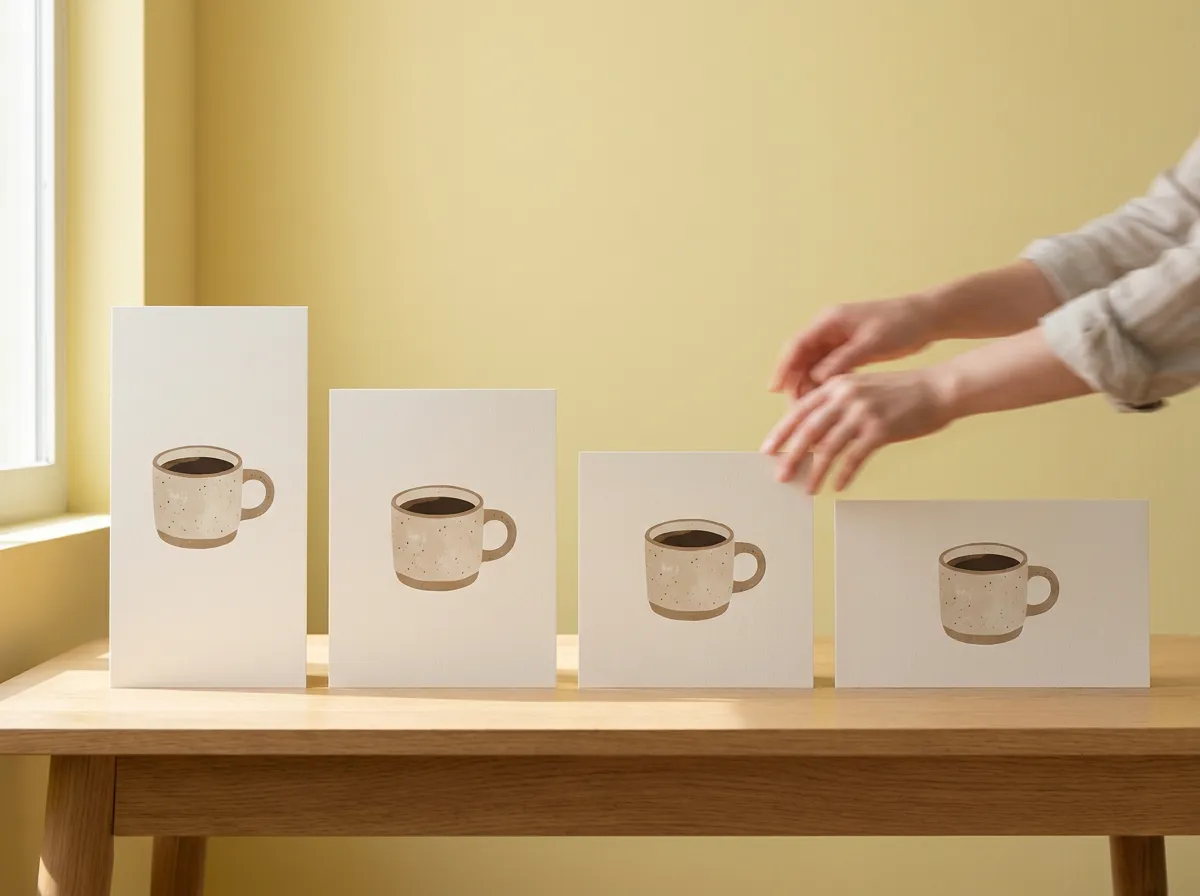
The shape decides whether an ad fits. What’s in it decides whether anyone stops. If you’re choosing between a phone-shot look and a studio one, our post on UGC-style versus polished ads goes through when each works, and why motion ads stop the scroll covers the moving kind.
Where AdForThat fits
AdForThat makes finished ads from your website, a sentence about what you sell, your logo or a product photo, and every one comes in the shapes feeds, Stories and Reels use: feed 4:5, square, 9:16 and wide, as video or pictures. That includes break-outs, where something leaps out of the post and over the feed, in your name and colours. There are pages for online shops and cafés if you want to see ads made for your kind of business.
It launches to Instagram and Facebook today from your own Meta ad account, so you pay Meta directly for your budget. TikTok, YouTube and LinkedIn are coming soon. See how it works.
Questions people ask
What is the best size for a Facebook ad in 2026?
As of November 2026, Meta’s Ads Guide recommends a 4:5 image or video at 1440 × 1800 pixels for the Facebook feed, with a 27-character headline and 50 to 150 characters of primary text. For Facebook Stories it recommends 9:16 at 1440 × 2560.
What size is an Instagram Reels ad?
Meta’s Ads Guide lists 9:16 at 1440 × 2560 pixels, MP4 or MOV, up to 15 minutes and 4 GB. It suggests keeping the top 14%, the bottom 35% and 6% on each side free of text and logos so the profile icon and button don’t cover them.
What size should a TikTok ad be?
TikTok recommends vertical 9:16 at 540 × 960 pixels or more for in-feed ads, and also accepts 16:9 and 1:1. Uploaded in-feed videos can run up to 10 minutes and 500 MB. TopView ads must be 9:16 and 5 to 60 seconds long, with 9 to 15 seconds recommended.
What are the safe zones for Stories and Reels ads?
Meta suggests leaving roughly 14% of the top, 35% of the bottom and 6% on each side free of text, logos and other key parts. On a 1080 × 1920 frame that is about 270 pixels at the top and 670 at the bottom. TikTok’s safe zone changes with caption length and add-ons, so it provides downloadable files instead of fixed numbers.
What image sizes does Performance Max need?
Google requires a wide 1.91:1 image (1200 × 628 recommended, 600 × 314 minimum) and a square 1:1 image (1200 × 1200 recommended, 300 × 300 minimum), each up to 5120 KB. A vertical 4:5 image at 960 × 1200 is optional, and you can add up to 20 images.
How long can a YouTube Shorts ad be?
Google says Shorts ads can be up to 3 minutes long, but only the first 60 seconds play in the Shorts feed. It recommends under 60 seconds, 9:16 vertical video, and 10 to 30 seconds for ads that ask people to act.
What size should LinkedIn ads be?
LinkedIn recommends 1200 × 628 for wide images and 1200 × 1200 for square ones, with vertical images at 628 × 1200, 600 × 900 or 720 × 900. Video can be 4:5, 9:16, 16:9 or 1:1, from 3 seconds to 30 minutes and up to 500 MB.
Sources
- Facebook Feed image ad specs, Meta Ads Guide (2026)
- Facebook Feed video ad specs, Meta Ads Guide (2026)
- Instagram Feed image ad specs, Meta Ads Guide (2026)
- Instagram Explore home image ad specs, Meta Ads Guide (2026)
- Instagram Stories video ad specs, Meta Ads Guide (2026)
- Instagram Stories image ad specs, Meta Ads Guide (2026)
- Instagram Reels video ad specs, Meta Ads Guide (2026)
- Facebook Stories video ad specs, Meta Ads Guide (2026)
- Video ad specs by placement, Meta Ads Guide (2026)
- Video ads specifications (in-feed ads), TikTok Ads Manager help (2026)
- TopView ad specifications, TikTok Ads Manager help (2026)
- YouTube Shorts ads: asset specs and best practices, Google Ads Help (2026)
- How asset groups work, Google Ads Help (2026)
- Video ads specs and format requirements, Google Ads Help (2026)
- About video ad formats, Google Ads Help (2026)
- About Video campaigns, Google Ads Help (2026)
- Performance Max campaigns specs and format requirements, Google Ads Help (2026)
- Responsive display ads specs and format requirements, Google Ads Help (2026)
- About image asset specifications and ad format guidelines for Demand Gen campaigns, Google Ads Help (2026)
- About video asset specifications and ad format guidelines for Demand Gen campaigns, Google Ads Help (2026)
- Single image ads specs, LinkedIn Marketing Solutions (2026)
- Video ads specs, LinkedIn Marketing Solutions (2026)
Make an ad that does all this
From your website, a product photo or a sentence. Try it free; pick a plan to download and launch.